

Updated: July 19, 2025
Introduction
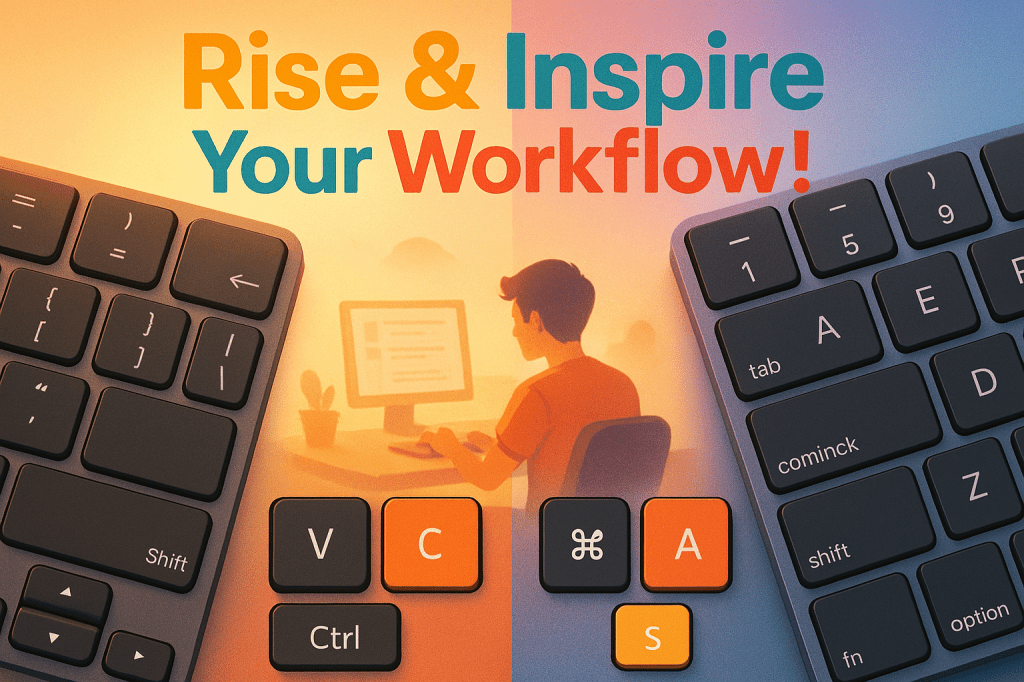
In today’s digital world, keyboard shortcuts are more than just handy—they’re a powerful way to boost productivity. Whether you’re writing, designing, or organizing your inbox, knowing the right key combinations can save time and effort. At Rise & Inspire, we believe in working smarter. That’s why we’ve created this guide to essential keyboard shortcuts for Windows and Mac. Let’s dive in.
Master Keyboard Shortcuts: Boost Productivity on Windows and Mac
Ready to work faster and more efficiently? Keyboard shortcuts help streamline tasks, reduce clicks, and keep your focus where it matters most. Whether you’re using Windows or Mac, these key combos will help you get more done—quickly and confidently.
Why Keyboard Shortcuts Matter
Shortcuts cut down on mouse use, speed up daily tasks, and help you stay in flow. They’re practical, efficient, and easy to learn. Here’s your essential list.
Essential Windows Shortcuts
- Paste: Ctrl + V
- Copy: Ctrl + C
- Save: Ctrl + S
- Insert Hyperlink: Ctrl + K
- Right Align Text: Ctrl + R
- Justify Text: Ctrl + J
- Open File: Ctrl + O
- Find: Ctrl + F
- Underline Text: Ctrl + U
- Undo: Ctrl + Z
- Reverse Indent: Ctrl + [
- Print: Ctrl + P
Must-Know Mac Shortcuts
(Use the Command key ⌘ instead of Ctrl.)
- Paste: ⌘ + V
- Copy: ⌘ + C
- Save: ⌘ + S
- Insert Hyperlink: ⌘ + K
- Right Align Text: ⌘ + R
- Justify Text: ⌘ + J
- Open File: ⌘ + O
- Find: ⌘ + F
- Underline Text: ⌘ + U
- Undo: ⌘ + Z
- Reverse Indent: ⌘ + [
- Print: ⌘ + P
Rise & Inspire Tip
Choose 2–3 shortcuts to start. Use them daily. Small steps lead to lasting habits—and better workflow.
Conclusion
Keyboard shortcuts can make a big difference. They speed up your work, reduce distractions, and give you more time for what matters. Start with a few, build the habit, and feel the shift in how you work and create.
Explore More at Rise & Inspire archive. | Personal Development
Categories: Astrology & Numerology | Daily Prompts | Law | Motivational Blogs | Motivational Quotes | Others | Personal Development | Tech Insights | Wake-Up Calls
🌐 Home | Blog | About Us | Contact| Resources
📱 Follow us: @RiseNinspireHub
© 2025 Rise&Inspire. All Rights Reserved.
Word Count:348
Discover more from Rise & Inspire
Subscribe to get the latest posts sent to your email.

Engaging read
Danke 🙂👌
🙏🌷