
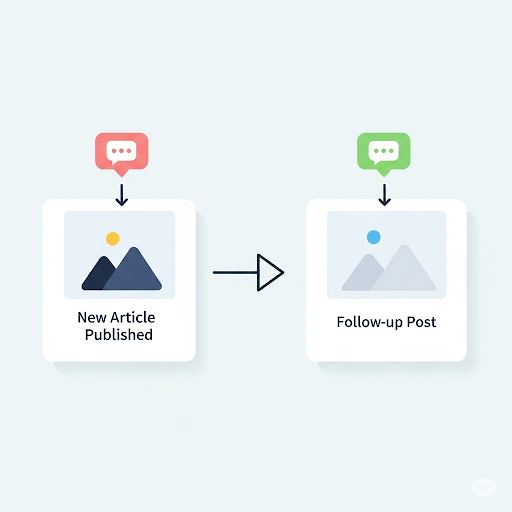
Your blog may be talking to other blogs without you even knowing it. Discover the behind-the-scenes notifications that can grow your audience.
If you’ve ever browsed the comments section of a WordPress blog and seen something labelled Pingback, you might have wondered what exactly a pingback is and why it’s showing up in your comments. This article will walk you through the concept of pingbacks, how they differ from trackbacks, where they appear, and how to manage them effectively. We’ll also touch on when they can be useful and when they might become clutter in your site’s discussion area.
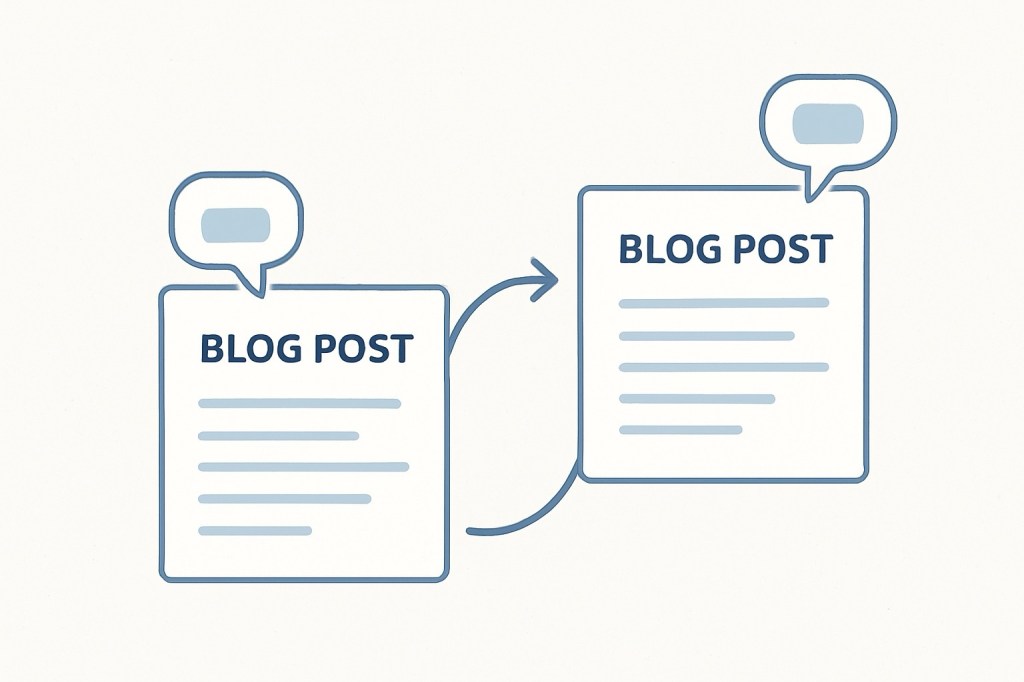
A pingback is an automated notification used in blogging, especially on WordPress, to let someone know their post has been linked to from another blog. It’s essentially a polite, automated “Hey, I mentioned you!” sent between websites. Here’s how it works in practice: Site A writes a blog post and includes a hyperlink to a post on Site B. If both sites have pingbacks enabled, Site B receives an automatic notification from WordPress. This notification can appear in the comments section of the linked post, usually marked as “Pingback,” along with a clickable link to the referring post.
While pingbacks and trackbacks serve a similar purpose — notifying a site when another site links to them — they work in different ways. A pingback is sent automatically by your blogging platform when you link to another post. It usually contains only the link to the referring post, without extra text. A trackback, on the other hand, is manual. You copy the target blog’s special trackback URL and paste it into your post to send the notification. Trackbacks also include a short excerpt of your post, which gives more context to the recipient. In terms of spam, pingbacks are less vulnerable because they’re automated and minimal, while trackbacks are easier for spammers to fake. Both appear in the comments section, but pingbacks tend to look cleaner and simpler, whereas trackbacks show an excerpt alongside the link. You can think of pingbacks as an automated “tag” in the blogging world, and trackbacks as a manual “Hey, I wrote about you — here’s a snippet.”
Pingbacks appear in two main places in WordPress. In the comments section, they look like a regular comment but instead of a personal message, you’ll see the title of the post that linked to you, a clickable link to that post, and the label “Pingback” or “Trackback.” Clicking it takes you directly to the post that mentioned yours. In the WordPress dashboard, under Comments, pingbacks will be listed alongside regular comments but displayed in a lighter style with the “Pingback” tag.
If you link to one of your older blog posts from a new post, WordPress can send a pingback to itself. These are called self-pingbacks. While harmless, they can clutter your comments section. Many bloggers choose to turn them off. To disable them, go to Settings → Discussion in your WordPress dashboard and uncheck “Attempt to notify any blogs linked to from the post.”
Pingbacks have some clear benefits. They help with networking by alerting other bloggers that you’ve mentioned them. They can offer SEO advantages by creating backlinks, and they can act as a traffic source if people click through from the pingback to your post.
Despite the advantages, pingbacks have their downsides. They can be used for spam, though not as easily as trackbacks. They may clutter the comments section on busy blogs, and they provide limited context, offering just a link without an excerpt.
Trackbacks used to be common, but their manual process and susceptibility to spam have made them less popular. Today, most bloggers rely on pingbacks or simply share their posts through social media for direct engagement.
Pingbacks and trackbacks were created to make the web feel more connected, automatically weaving together posts and conversations across different sites. While they may not be as widely discussed as they once were, they still serve a purpose for bloggers who want to keep the lines of communication open — and for readers who enjoy exploring related content. If you choose to keep pingbacks enabled, be prepared to moderate them, remove self-pingbacks if you find them distracting, and embrace them as part of your site’s networking toolkit.
Explore more at the Rise & Inspire archive | Personal Development
© 2025 Rise & Inspire. All Rights Reserved.
Follow our journey of reflection, renewal, and relevance at @RiseNinspireHub
Website: Home | Blog | About Us | Contact| Resources
Categories: See more in our blog’s category archive.
Categories: Astrology & Numerology | Daily Prompts | Law | Motivational Blogs | Motivational Quotes | Others | Personal Development | Tech Insights | Wake-Up Calls
Word Count:777
Discover more from Rise & Inspire
Subscribe to get the latest posts sent to your email.
