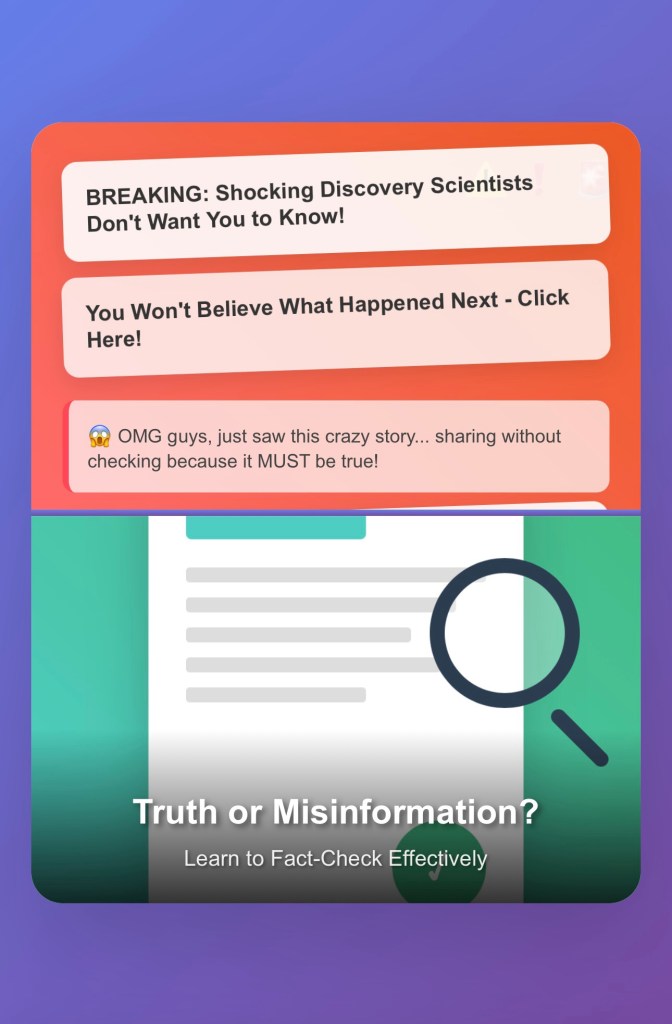
Learn how to fact-check information online with 10 practical tips. This guide helps you verify sources, detect bias, and avoid spreading misinformation in the digital age.
How to Fact-Check Like a Pro:
10 Smart Habits for Finding the Truth
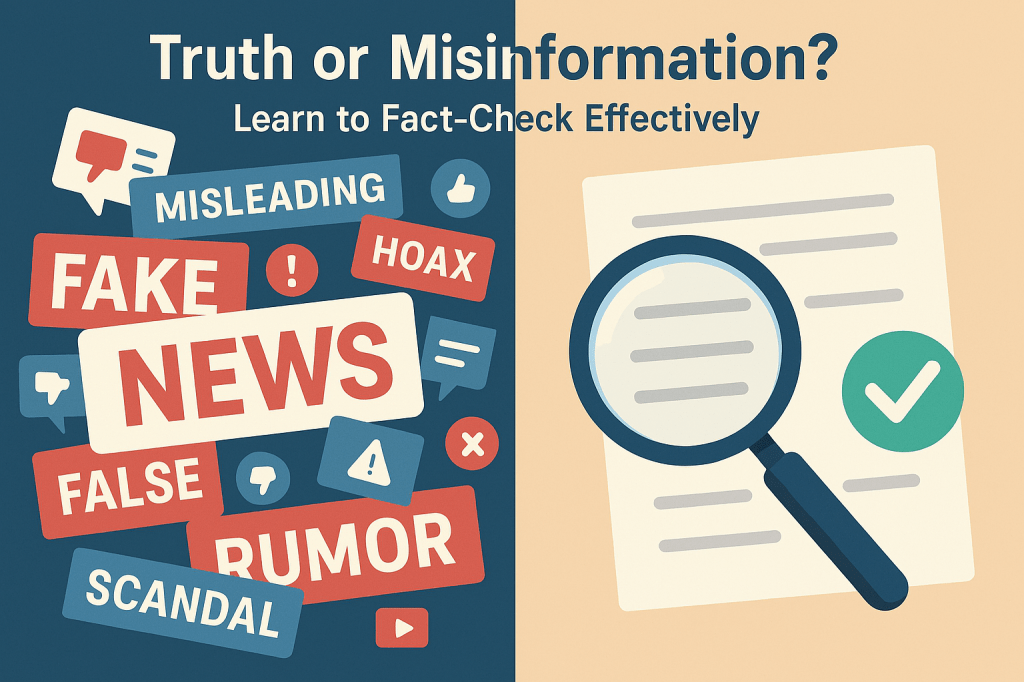
In a world where misinformation spreads faster than facts, your ability to separate truth from fiction is more important than ever. Whether you’re sharing a news article, making an argument, or simply trying to understand the world better, fact-checking is a skill you can’t afford to ignore.
Here’s how you can become a sharper, more reliable fact-checker—without turning into a full-time skeptic.
1. Go Straight to the Source
Before you trust what someone said, try to find the original source. Look for direct quotes, official statements, research papers, or firsthand accounts. Avoid relying on secondhand summaries or headlines—they often miss the nuance (or twist the facts entirely).
2. Cross-Check with Other Reputable Sources
Don’t stop at just one article or post. Check if multiple credible sources are reporting the same thing. When trustworthy outlets independently confirm a claim, it’s usually a good sign. But if only one site is talking about it? That’s a red flag.
3. Ask Yourself: Is This a Reliable Source?
Think about who’s providing the information. Is it a respected news organization, an academic institution, or a government agency? Or is it a personal blog with no transparency or credentials? The track record of a source matters more than ever.
4. Check the Date
Always look at the publication date. Some information ages well—some doesn’t. Outdated statistics or early reports on breaking news might be misleading or already corrected.
5. Look for Real Evidence
Solid claims usually come with proof. That might be a link to a study, data, a quote, or a document you can verify. If someone is making big claims without showing their receipts, be cautious.
6. Use Fact-Checking Websites
For common rumors and viral claims, let the pros do the digging. Websites like:
- Snopes
- FactCheck.org
- PolitiFact
- Reuters Fact Check
…can quickly tell you whether something has already been investigated—and debunked.
7. Dig Into the Data
If a statistic looks suspicious (or just too perfect), take a closer look. Check the methodology, sample size, and whether the data truly supports the point being made. Numbers can be twisted in sneaky ways.
8. Watch Out for Bias
Even trustworthy sources can have a bias—whether political, financial, or ideological. Ask yourself: What might this person or group gain by presenting the information this way?
9. Actively Look for the Other Side
Try this: search for contradictory evidence. If a claim is true, it should still hold up when challenged. If you can’t find any credible opposition, you may be on solid ground. If you can, consider the counterpoints before making up your mind.
10. When in Doubt, Ask an Expert
Some topics—like medicine, climate science, or legal issues—are too complex to navigate alone. Don’t hesitate to consult experts or seek out reputable professionals who can explain the facts clearly.
Final Thought: Stay Curious, Not Cynical
Fact-checking isn’t about being negative—it’s about being informed. You don’t need to distrust everything, but you doneed to question just enough to avoid spreading misinformation. The more you practice these habits, the sharper your information radar becomes.
Start using these tips today, and you’ll quickly become someone others can count on for clarity, not confusion.
Explore additional inspiration from the blog’s archive. | Personal Development
Categories: Astrology & Numerology | Daily Prompts | Law | Motivational Blogs | Motivational Quotes | Others | Personal Development | Tech Insights | Wake-Up Calls
🌐 Home | Blog | About Us | Contact| Resources
📱 Follow us: @RiseNinspireHub
© 2025 Rise&Inspire. All Rights Reserved.
Word Count:628